Exporting a traceability matrix to Microsoft Word
 Blueprint allows you to conveniently export your traceability matrix to Microsoft Word. You can then print your traceability matrix.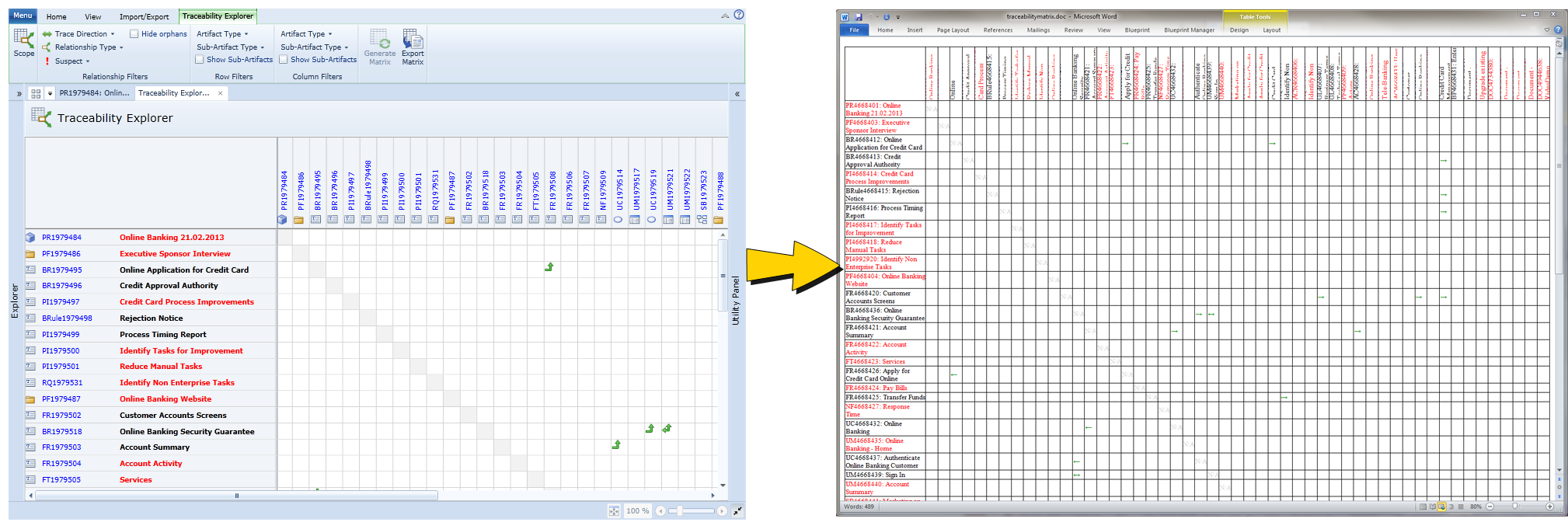
Hyperlinks and icons are not preserved in the exported Word document.
Exporting a traceability matrix to Word
To export a traceability matrix to Word:
Important: If you have made any layout changes to your trace matrix, you should click Generate Matrix to finalize the changes before exporting your matrix (Traceability Explorer tab).
- Save your file as an .doc document in your desired location and then click Save.
You have successfully exported your traceability matrix to Word. You can now open your file in Word.
Learn More
About the traceability explorer